
Equipment and Infrastructure Policies for Offshore Staff
- Offshore staffing
- Remote work infrastructure
- IT security
- Equipment policies
- Philippines

Effective offshore staff equipment policies define approved hardware, internet capacity, backup connectivity, power resilience, security controls, support ownership and replacement procedures. For Australian businesses hiring in the Philippines, managed hardware is usually the safer default. BYOD should be limited to low-risk roles and controlled through mobile device management, access restrictions and documented support processes.
Hiring capable offshore staff does not guarantee reliable delivery. The employee can only perform when the surrounding remote work infrastructure is stable, secure and supported.
This guide explains how Australian IT and operations managers should set equipment standards for Philippine-based staff. It covers Manila internet connections, procurement models, backup power, mobile device management, compliance and practical ownership rules.
Infrastructure control bar: Connection availability | Application performance | Power continuity | Device compliance | Incident recovery
These are the uptime metrics worth monitoring. A headline internet speed alone does not tell you whether work can continue through congestion, an outage or a device failure.
Key takeaways
A workable equipment policy must connect technical controls with clear operational ownership. Managed devices provide stronger security and support consistency, while BYOD shifts hidden costs and risks back to the business. Internet redundancy, power continuity and documented incident procedures matter as much as processor speed or laptop brand.
- Set minimum internet requirements by role and application, not by a generic speed claim.
- Use managed hardware for staff accessing customer data, finance systems, source code or privileged accounts.
- Treat backup internet and power as operating requirements rather than optional employee benefits.
- Enrol devices in mobile device management before granting production access.
- Define who purchases, configures, supports, replaces and recovers every asset.
- Measure infrastructure reliability through evidence, including device compliance and incident records.
BYOD versus managed hardware summary
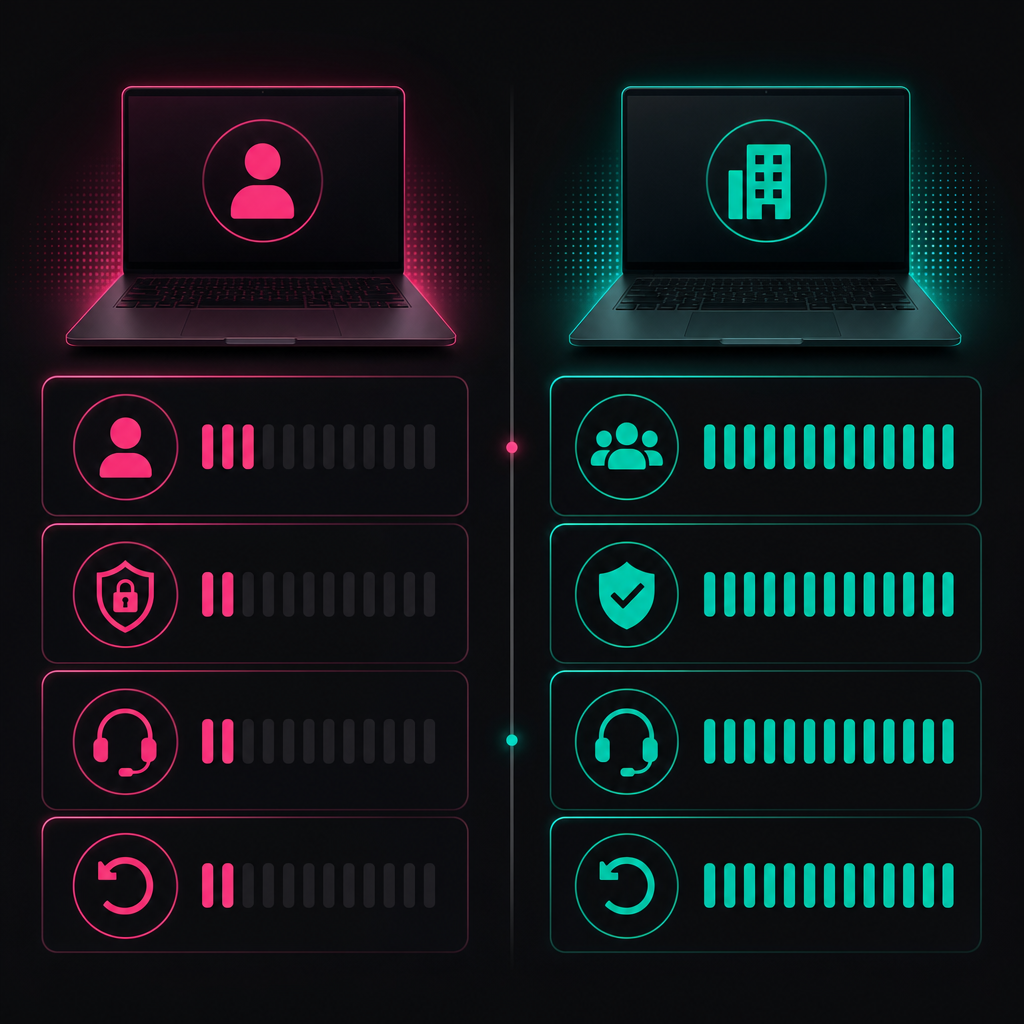
BYOD can reduce initial procurement work, but it produces inconsistent devices, security controls and support outcomes. Managed hardware costs more to establish yet gives the business stronger control over configuration, access and recovery. The right model depends on data sensitivity, role criticality and the organisation's capacity to administer devices.
| Policy area | BYOD | Managed hardware | Recommended position |
|---|---|---|---|
| Device ownership | Worker | Business or staffing provider | Managed ownership for operational roles |
| Hardware consistency | Variable | Standardised catalogue | Standardise by role profile |
| Security configuration | Depends on enrolment and user cooperation | Centrally enforced | Require central enforcement for sensitive access |
| Technical support | Complicated by different models and operating systems | Easier to document and repeat | Use approved models and replacement procedures |
| Data separation | More difficult | Stronger through dedicated business devices | Avoid mixed personal and business use |
| Remote wipe | May affect personal data | Clear business authority | Use business-owned devices where remote wipe is required |
| Replacement process | Often dependent on the worker | Controlled through asset management | Hold an approved local replacement pathway |
| Suitable roles | Restricted, low-risk access | Most ongoing offshore roles | Make managed hardware the default |
What internet speed do offshore staff need in the Philippines?
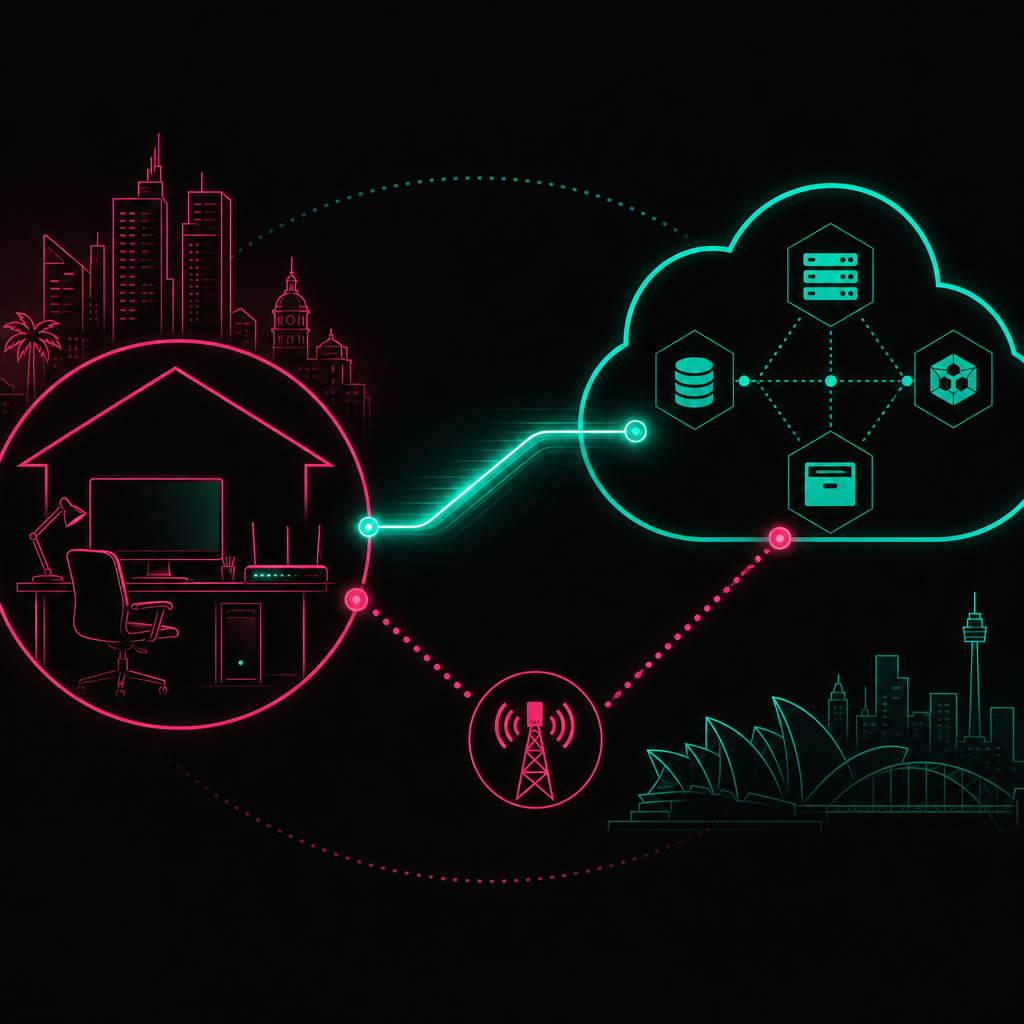
For Manila-based offshore staff, use an NBN-equivalent connection profile rather than accepting a provider's description of a plan as "fast". A practical managed baseline is an advertised connection comparable with NBN Home Fast, then validated for upload capacity, latency, packet loss, application performance and backup connectivity.
NBN Co describes its Home Fast wholesale speed tier as having a peak information rate of 100 Mbps download and 20 Mbps upload. This provides Australian managers with a familiar comparison point when reviewing Philippine fibre services. It does not mean the services are operationally identical, because contention, routing and support arrangements differ between providers.
Globe and PLDT both publish fibre services for Philippine premises. Availability remains address-specific, so the worker's exact service address must be checked before an offer or deployment is finalised. Do not assume that a plan available elsewhere in Metro Manila is available in the employee's building or suburb.
Start with application demand
Bandwidth requirements should come from the applications used in the role. A payroll processor working in browser-based systems has different requirements from a developer synchronising repositories or a creative professional transferring large media files.
Microsoft's Teams network guidance lists recommended bandwidth for meetings and calling. Its published table includes 2.5 Mbps upload and 4 Mbps download for recommended meeting video performance. These figures are application requirements, not suitable connection targets by themselves. Other devices, software updates and household activity consume capacity at the same time.
A connection policy should therefore examine:
- advertised download and upload capacity
- sustained performance during the employee's working hours
- latency to the actual Australian or regional application endpoint
- packet loss and jitter during calls
- wired Ethernet availability at the workstation
- provider fault support and restoration procedures
- an independent backup connection
A speed test taken during onboarding is only a snapshot. Require tests during the employee's normal shift and repeat them when call quality or application performance changes.
Treat upload capacity as a first-class requirement
Consumer plans often promote download speed more prominently than upload speed. Offshore work depends heavily on upload performance for video, cloud synchronisation, voice traffic, backups and large file transfers.
Ask the provider or worker to document both directions. If upload performance is not disclosed, test it. A plan should not pass procurement simply because its download figure resembles an Australian NBN tier.
Require connection diversity, not just a hotspot
A mobile hotspot can provide useful backup access, but only when it uses a network path that is genuinely independent of the primary connection. A fibre service and backup mobile service may still share local infrastructure or experience the same building-level power problem.
The policy should identify the primary provider, backup carrier, device used for failover and work that can continue on the backup service. Test failover before it is needed. A backup that has expired credit, weak indoor reception or an uncharged battery is not resilience.
How should offshore hardware be procured?
Offshore hardware should be procured through an approved catalogue, assigned to a named custodian and configured before production access is granted. Australian businesses can purchase locally in the Philippines, ship devices internationally or use a managed staffing provider. Local procurement is usually easier for warranty service, replacement and electrical compatibility.
Local Philippine procurement
Local procurement allows the business or its offshore staffing partner to buy from an authorised Philippine reseller. This avoids international freight delays and gives the support team a local warranty pathway.
The purchase process should capture:
- approved manufacturer and model
- serial number and asset identifier
- warranty documentation
- assigned worker and physical location
- operating system edition
- security enrolment status
- delivery confirmation
- return and replacement obligations
Do not let individual employees select a device and submit an invoice without technical approval. That recreates BYOD under a reimbursement label.
International shipment from Australia
Shipping an Australian-configured device can make sense when the organisation requires a specific build or hardware security capability. It also introduces freight, customs, insurance, local warranty and replacement considerations.
Before shipping, confirm who acts as importer, how duties are handled, whether the warranty applies in the Philippines and what happens if the device arrives damaged. The security team must also decide whether a fully configured laptop should travel with active credentials or receive credentials after confirmed delivery.
Provider-managed equipment
Some offshore staffing solutions include device procurement, configuration, local support and asset recovery. This can remove administrative work, but the contract must still define control.
Ask who legally owns the laptop, who holds administrative privileges, which security tools are installed and how quickly a failed device is replaced. Confirm what happens to the asset when a worker changes role or leaves.
Remotee's technology and security approach should be reviewed alongside the role's data access and operational requirements. Infrastructure must be part of the delivery design, not an assumption made after hiring.
Build role-based hardware profiles
Avoid one universal laptop specification. Create hardware profiles based on workload and risk.
An administration profile may prioritise browser performance, a reliable webcam and support for external displays. A development profile may require more memory, local processing capacity and compatibility with container or virtualisation tools. A design profile may require dedicated graphics capability and calibrated displays.
Each profile should define approved alternatives. When a model becomes unavailable, procurement can select a technically equivalent device without restarting the entire approval process.
How should power outages be handled?

Power resilience should cover the worker, network equipment and communications pathway. A charged laptop does not maintain service when the fibre modem and router lose power. The policy should define an uninterruptible power supply, safe shutdown behaviour, backup work locations and an escalation process for extended interruptions.
Protect the entire workstation path
A UPS should support the equipment required to keep work operating or shut it down safely. That normally means considering the laptop or desktop, external display, modem, router and any required voice equipment.
UPS selection must use the measured load of the actual equipment and the organisation's required continuity window. Avoid choosing a unit only because its product description says it is suitable for computers. Runtime changes with load, battery condition and age.
The equipment policy should record:
- protected devices
- expected continuity objective
- battery test procedure
- replacement responsibility
- safe shutdown instructions
- prohibited devices, such as high-load household appliances
Decide when a generator is justified
Generators are more relevant to managed facilities or locations with repeated, extended interruptions. They require safe installation, ventilation, fuel management, maintenance and someone accountable for operation. They should not be treated as a casual home-office accessory.
For an individual remote worker, a suitable UPS, independent mobile connection and pre-approved alternative workspace may provide a more manageable continuity plan. For a team working from a dedicated facility, building-level generation can support a broader resilience strategy.
Document degraded operating modes
Not every outage requires normal production to continue. Define what the worker should do when operating on backup power or mobile data.
Video may be disabled while voice and messaging remain available. Large downloads can be deferred. Customer-facing calls may be transferred. Sensitive work must not move to an unapproved public computer or insecure shared network simply because the primary location is unavailable.
The escalation path should identify who is notified, which channel is used and how status updates are recorded. This turns an outage from an improvised excuse into a managed incident.
What MDM protocols should apply to offshore staff?
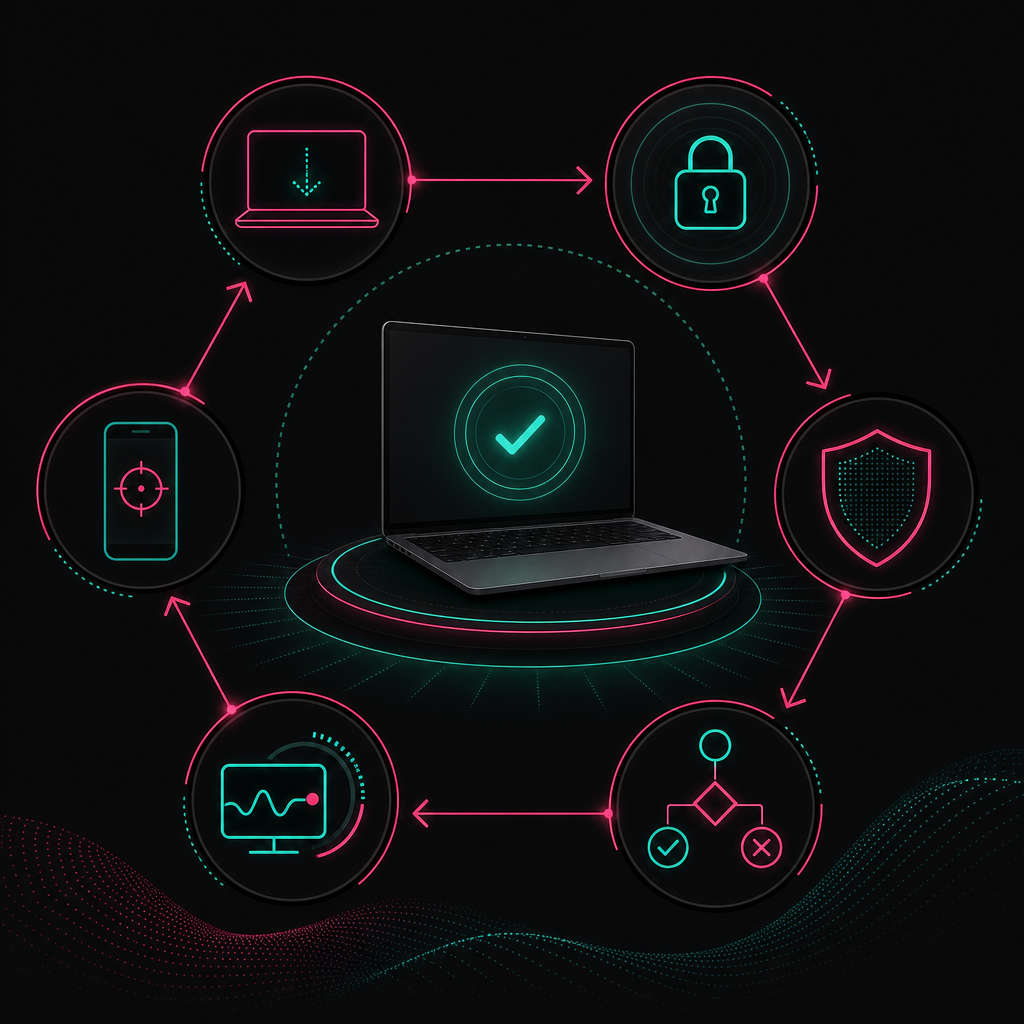
Every offshore device with business access should be enrolled in mobile device management before credentials are issued. MDM should enforce encryption, screen locking, approved software, security updates, endpoint protection and remote access rules. It should also support asset inventory, compliance reporting, credential revocation and remote wipe where legally and operationally appropriate.
Despite its name, mobile device management applies to laptops and desktops as well as phones and tablets. The product matters less than whether the policy is consistently enforced.
Establish a compliant device state
A compliant device state should cover:
- supported operating system and edition
- full-disk encryption
- endpoint detection and protection
- approved firewall configuration
- automatic security updates
- restricted local administrator rights
- approved browser and extensions
- prohibited software categories
- screen-lock and authentication rules
- current asset and custodian records
Conditional access should block or restrict devices that fall outside the required state. A dashboard that merely reports non-compliance without affecting access is an inventory tool, not an effective control.
Separate user access from device trust
A correct password should not be enough to access business systems. Access decisions should consider user identity, device compliance, location risk and the sensitivity of the requested application.
Privileged administration should use separate accounts from routine work. Shared credentials should be removed. Access should follow least privilege, with permissions assigned to the role rather than accumulated informally over time.
The Australian Signals Directorate's Essential Eight provides recognised guidance covering controls such as patching, application control, multi-factor authentication, restricted administrative privileges and regular backups. It is not an offshore staffing checklist by itself, but it provides a useful baseline for the organisation's wider control environment.
Define remote wipe carefully
Remote wipe is straightforward on a dedicated company device because the organisation owns the information and hardware. It is more complicated on BYOD because personal photographs, messages and files may be present.
A BYOD policy must explain what the organisation can inspect, manage or erase. Containerised business applications can reduce exposure, but they do not solve every support or data leakage problem. This is one reason managed hardware should remain the default for ongoing offshore roles.
Make offboarding a technical workflow
Offboarding should revoke identity sessions, disable accounts, recover devices, rotate shared secrets and confirm removal from communication channels. Asset return should have a named owner and documented custody trail.
Do not wait for the final working day to decide how equipment will be collected from another country. The employment or service agreement should already state the return method, responsibility for packaging and consequences of non-return.
Privacy, security and Australian compliance
Australian organisations remain responsible for how personal information is handled when offshore workers access it. Equipment controls must support the organisation's privacy, contractual and cyber security obligations. Offshore access should be assessed by data type, system privilege and business impact rather than treated as a single low-risk category.
The Office of the Australian Information Commissioner explains that Australian Privacy Principle 8 concerns cross-border disclosure of personal information. Whether a particular arrangement constitutes disclosure depends on the facts and degree of control retained by the Australian entity.
This is not solved by stating that data remains in an Australian cloud region. An offshore worker may still view, download, copy or otherwise handle personal information. Legal advice may be required for the organisation's specific arrangement.
Practical controls include:
- preventing local downloads where the role does not require them
- restricting clipboard, printing and removable storage functions
- logging access to sensitive applications
- using managed password and secrets systems
- reviewing vendor and customer contract restrictions
- classifying data before granting access
- documenting incident notification responsibilities
Security clauses should match technical reality. A contract that prohibits local storage is weak if unmanaged laptops can download files without restriction.
Who should own infrastructure support?
Infrastructure support needs a named owner across procurement, configuration, monitoring, incidents, replacement and recovery. Splitting these tasks between HR, the worker, an Australian IT provider and an offshore staffing company without a responsibility map creates gaps. Every control should have an operator, approver and escalation pathway.
A useful equipment register is not just a list of serial numbers. It should connect each asset to its user, role, approved configuration, support status and return obligation.
Define responsibility for:
- approving the hardware profile
- ordering and paying for equipment
- configuring the device
- validating internet and power readiness
- monitoring MDM compliance
- receiving support requests
- approving replacements
- reporting security incidents
- recovering assets at offboarding
This is where many offshore IT staffing services become difficult to compare. A low monthly fee may exclude equipment support, security licensing, replacement stock and incident coordination. Review what is included on the provider's pricing page, then ask for written confirmation of exclusions.
Service ownership should also distinguish between the employee's responsibilities and the business's responsibilities. The worker can report a fault and follow approved procedures. They should not be expected to design the company's resilience or security architecture.
Hypothetical case studies: BYOD and managed infrastructure
The following scenarios are hypothetical and illustrate how policy choices affect delivery. They are not presented as customer outcomes. The comparison matters because BYOD often appears cheaper when procurement is considered alone, while managed infrastructure accounts for support, security, replacement and operational continuity.
Scenario A: BYOD for an offshore operations team
Consider an Australian services business that allows offshore staff to use personal laptops. Each employee has a different operating system edition, warranty position and security configuration. Some devices are shared with family members outside working hours.
The business installs communication software but cannot reliably enforce encryption, patching or local administrator restrictions. When a laptop fails, the employee must source a repair or replacement. Support staff spend time diagnosing unfamiliar hardware, while production access remains linked to a personally owned device.
The problem is not that every BYOD worker behaves irresponsibly. The problem is that the business has accepted inconsistent controls without a repeatable support system.
BYOD could remain suitable for restricted work delivered through a controlled virtual environment. Access would need to exclude sensitive local data, and the device would still require a documented compliance check. It should be an approved exception, not the default created by a missing procurement process.
Scenario B: managed equipment for a specialist team
Now consider a business that assigns approved laptops through a Philippine procurement partner. Devices are enrolled in MDM before delivery. Each worker receives a standard workstation profile, wired network instructions, backup connectivity requirements and an incident escalation process.
When an employee reports a fault, support can identify the model, configuration and security status. A replacement follows the same approved build. Access can be revoked centrally, and the asset recovery process is already included in offboarding.
This model requires more planning and direct cost. It also reduces ambiguity. Management knows which devices exist, who holds them and whether they meet policy.
The difference is delivery structure. Talent quality is unchanged, but the managed environment makes reliable performance easier to repeat.
Reliability is a chain, not an equipment allowance
The most important infrastructure insight is that reliability fails at the weakest unmanaged dependency. Paying an equipment allowance does not create an equipment system. A laptop, fibre plan, UPS and MDM platform only create value when ownership, testing, support and recovery are connected through one documented operating model.
Remotee's position is direct: "The difference between a capacity gap and a capacity crisis is usually a delivery structure problem, not a talent problem."
That principle applies to equipment policy. Businesses often focus on the visible asset and ignore the delivery chain around it. They ask whether the employee has a laptop but not whether the device is supported. They ask for a speed test but not whether backup access has been tested. They buy MDM but do not connect compliance status to application access.
I recommend evaluating offshore infrastructure across three practical layers:
Work readiness: Can the person perform the role under normal conditions? This covers hardware capability, displays, peripherals, internet performance and required applications.
Control readiness: Can the business enforce its security and privacy requirements? This covers identity, MDM, encryption, endpoint protection, logging and data handling.
Recovery readiness: Can work resume predictably after equipment, connection, power or access failure? This covers backup paths, replacement ownership, escalation and asset records.
A policy fails if any layer exists only on paper. The evidence should be operational: enrolled devices, tested failover, current asset records and completed access reviews.
This is why Remotee competes on predictable delivery, not just headcount. Adding capable people without infrastructure ownership is how scaling creates chaos.
Implementation checklist for IT and operations managers
Implement the policy before the offshore employee receives production credentials. Start with the role's systems and data, then define the device, connection, resilience and support controls required. Record exceptions formally and assign an expiry or review event so that temporary workarounds do not become permanent unmanaged access.
Use this sequence:
- classify the role's data and application access
- choose managed hardware or approve a documented BYOD exception
- assign an approved hardware profile
- confirm local procurement, warranty and replacement arrangements
- validate the primary connection against the role's applications
- confirm an independent backup connection
- assess power continuity for the complete workstation path
- enrol the device in MDM
- apply identity, endpoint and conditional access controls
- test communications during connection failover
- record the asset and assigned custodian
- document incident, replacement and offboarding procedures
Review the policy when the role changes, new software is introduced or access becomes more sensitive. Infrastructure approval for a basic administrative role should not automatically carry over when that worker gains finance, customer or privileged system access.
If you need offshore staffing solutions with equipment, security and operating responsibilities designed into delivery, contact Remotee. Bring the role description, application list, data access requirements and current technology standards. Those inputs are more useful than starting with a laptop model.
References
The following sources provide recognised guidance for internet speed comparisons, collaboration bandwidth, Philippine fibre availability, Australian privacy and cyber security controls. Provider plans and service availability can change, so confirm current terms and address eligibility during procurement rather than relying on a previous quote.
- NBN Co, "Understanding speeds on the nbn network": https://www.nbnco.com.au/learn/speed
- Microsoft Learn, "Prepare your organisation's network for Teams": https://learn.microsoft.com/en-us/microsoftteams/prepare-network
- Office of the Australian Information Commissioner, "Chapter 8: APP 8 Cross-border disclosure of personal information": https://www.oaic.gov.au/privacy/australian-privacy-principles-guidelines/chapter-8-app-8-cross-border-disclosure-of-personal-information
- Australian Signals Directorate, "Essential Eight": https://www.cyber.gov.au/resources-business-and-government/essential-cyber-security/essential-eight
- Globe, "GFiber": https://new.globe.com.ph/gfiber
- PLDT Home, "Fiber": https://pldthome.com/fiber
FAQ_SCHEMA_JSON
FREQUENTLY ASKED QUESTIONS
Common questions
Should an Australian company provide laptops to offshore staff?
- Usually, yes. Business-owned or provider-managed laptops allow consistent security configuration, MDM enrolment, technical support and asset recovery. BYOD may be acceptable for restricted, low-risk work, but it should require formal approval and controls that separate business information from personal use.
What internet speed should offshore staff in Manila have?
- Use the NBN Home Fast profile of 100 Mbps download and 20 Mbps upload as a familiar baseline for managed roles, then test the actual applications used. Philippine service availability must be confirmed at the worker's address.
Is a mobile hotspot enough as backup internet?
- It can be, provided the mobile service uses an independent carrier path, has adequate reception and is tested during working conditions. The policy should state which tasks can continue on backup data and how the worker reports a primary connection failure.
Does MDM work on employee-owned laptops?
- It can, but employee consent, privacy, operating system compatibility and remote wipe limitations make BYOD enrolment more complicated. Dedicated business devices provide clearer control.
Do offshore staff need a UPS?
- Staff performing continuity-sensitive work should have an approved power resilience plan. A UPS must protect the required network equipment as well as the computer, with capacity based on measured load and the organisation's continuity objective.
Who pays for offshore staff equipment and internet?
- The contract or employment arrangement should state who pays, owns and supports each item. Ownership, warranty, replacement and return obligations should always be documented separately from payment.

Jon Kelly
Founder, Remotee
Jon helps Australian businesses build compliance-led offshore teams that scale without the burnout. NDIS, accounting, mortgage broking, recruitment and digital marketing.
KEEP READING
Related posts
integrate offshore staff
How to Integrate Offshore Staff into Your Local Australian Team
To integrate offshore staff successfully, treat them as permanent team members rather than external task-takers. Give them documented workflows, clear ownership…
28 July 2026 · 19 min read
provider due-diligence checklist
Offshore Staffing Provider Due Diligence Checklist for Australian Businesses
An offshore staffing provider due-diligence checklist should verify the provider's delivery model, legal employing entity, payroll controls, recruitment process…
14 September 2026 · 18 min read
Australian employer obligations when offshoring
Australian employer obligations when offshoring
Australian employers offshoring work must assess employment status, applicable workplace laws, tax, superannuation, privacy, data security, intellectual propert…
1 September 2026 · 17 min read
READY TO SCALE WITHOUT THE BURNOUT?
Build a compliance-led offshore team in 3–4 weeks.
Tell us about your current bottleneck and we'll show you what a Remotee placement would look like for your operation.
Or get our playbooks emailed to you instead.